
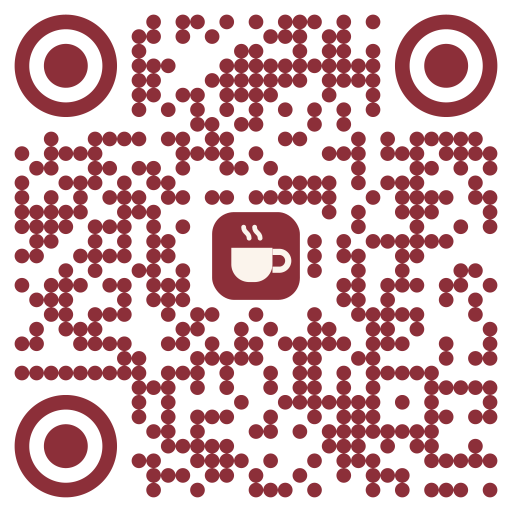
A little more you.
Use a logo from your website, a link, or an image attached in the chat.
QR codes inside ChatGPT and Claude
Create a QR code, add your color and logo, and download it without leaving your assistant. Change a printed link later, or make a whole batch in one request.
Connect your agentFree · 5 saved brand looks · Your codes keep working.
Make a QR for our café menu, with our logo and brand color.
Live widget preview · example data
Works in  ChatGPT
  Claude
  Cursor and any MCP client
Make it yours
Four shapes, your colors, your logo. Save a look once and use it on every new code.
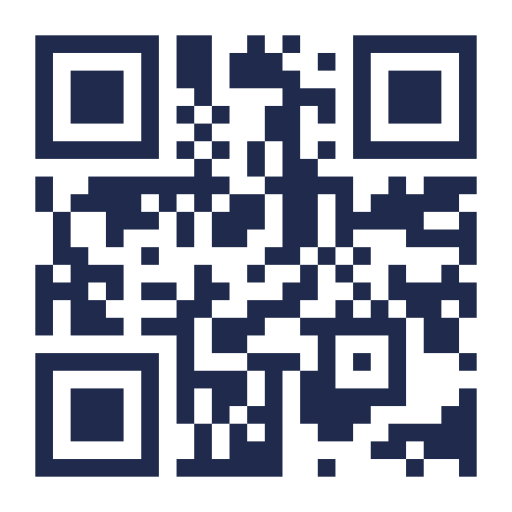
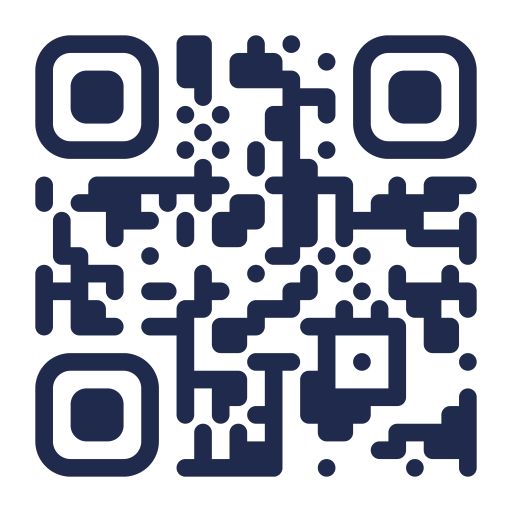
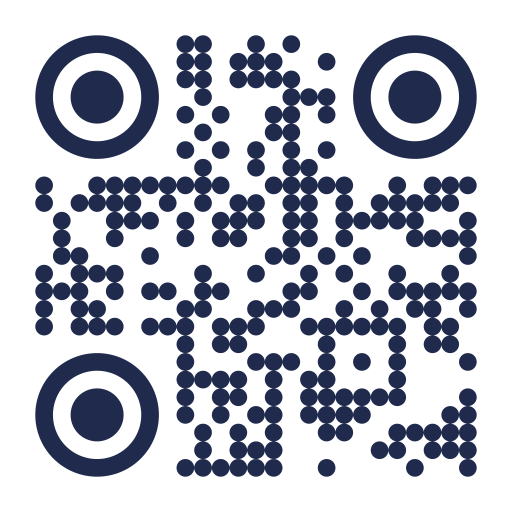
Use a logo from your website, a link, or an image attached in the chat.
Shape + color + logo. New codes use your saved look automatically.
Download PNG for sharing or SVG for crisp printing at any size.
Share the menu. Connect a guest. Make an introduction.
Batch QR · SVG + PNG + CSV
Tables, products, invitations. Create codes in one look within your account allowances, then download the set as a ZIP with SVG, PNG and CSV.
Make branded QR codes for tables 1 to 3.
Keep the same dynamic QR. Send visitors to a new page and see scans by day.
Everything you need, free.
Create, customize and keep using your codes. Your everyday QR toolkit is free.
Normal rate limits apply to keep the service available.
Pro Coming soon
Meet the next chapter of QRsome: complete designs for your tables, events and products. Made to feel like your brand, down to the last detail.
SPECIALTY COFFEE
ALTO
GOOD COFFEE. TAKE YOUR TIME.
EXPLORE THE MENU
Something good is waiting.
A café table, dressed for the occasion.
ONE NIGHT. EVERYONE TOGETHER.
NOCTURNA
MUSIC · ART · CONNECTION
SCAN. SEE YOU INSIDE.
A little nightlife. A lot of personality.
OBJECTS FOR EVERY DAY
STUDIO
OBJECTS
MADE WITH INTENTION.
MEET YOUR NEXT FAVORITE
The story. The materials. The care.
A small tag with a considered finish.
Design previews for the future Pro plan. These features are not available yet. Sample codes open QRsome.
Pro Coming soon
Put your own address on dynamic QR links. Keep your brand in view, from the printed code to its destination.
Concept preview
Pro Coming soon
Ask for the label size and quantity you need. Planned PDF layouts for A4, Letter and label sheets.
Make 80 labels, 50 × 30 mm, for these products.
Concept preview
Pro Coming soon
Compare codes, explore segments and look further back with longer history. Advanced analytics are planned for Pro; basic daily scan stats stay Free.
Future Pro capabilities. Custom domains and print-ready PDFs are not available yet.
Connect once with your email. Your next QR starts in the chat.
Connect your own agent ↗Add QRsome from ChatGPT's apps, or as a connector with the MCP URL on this page. Sign in with your email, then ask: "Make a QR for my website with my logo." The code shows up in the chat, ready to download as SVG or PNG.
Yes, with QRsome connected. Add it in Claude's connectors (web, desktop or Cowork; claude mcp add in Claude Code) and ask in plain words. Claude shows the code, and later its scans, in the chat.
QRsome is one: a remote MCP server with sign-in (OAuth) at qrsome.com/mcp. It works in ChatGPT, Claude, Cursor and any MCP client, and every request is a plain sentence.
Create an API key in your account and give it to your agent: it can use the MCP server or the HTTP API. A customer asks for their booking or the WiFi, and your agent sends the code.
Yes. Free includes 10 active dynamic QR codes, 100 new static QR codes per calendar month (UTC), 5 saved brand looks, logos, downloads and basic scan stats. Existing codes keep working. Generation is also rate limited.
Yes. Say you will want to change it, and when the page moves, tell your assistant where the code should go now: the printed code stays the same, and every scan is counted.
No. A code with fixed content (a WiFi network, a contact card) works even if you delete it from your account. A code you can change works for as long as it exists; deleting one always asks you first.
Yes: name your website and QRsome takes the logo from it, or give a link to the image, or attach it in the chat. PNG, JPEG, SVG or WebP up to 512 KB. Colors that phones can't read are refused with a suggestion. Save your shape, color and logo as your look, and every new code uses it.
No password. You sign in with your email: we send a link and an 8-digit code from login@qrsome.com. Your own agent uses an API key or the MCP's OAuth.